Life after Windows 10
Why waiting to upgrade is no longer an option.
Short guides covering security, accessibility, the user experience, Microsoft Teams, and the Microsoft 365 app stack.

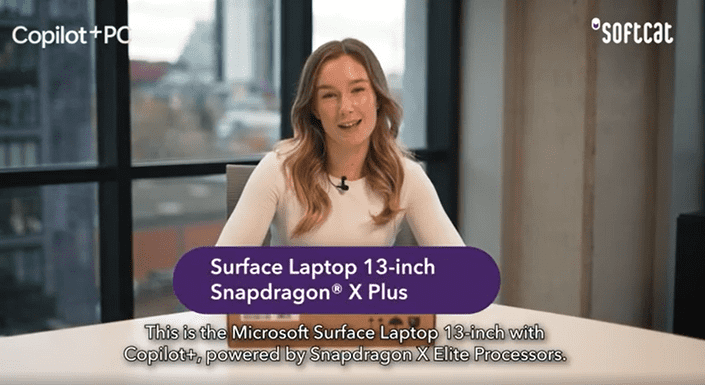
Our End User Specialist, Lucy Worthington, unboxes the Microsoft Surface Laptop 13-inch Snapdragon X Plus and provides insight on how this PC can benefit your business.
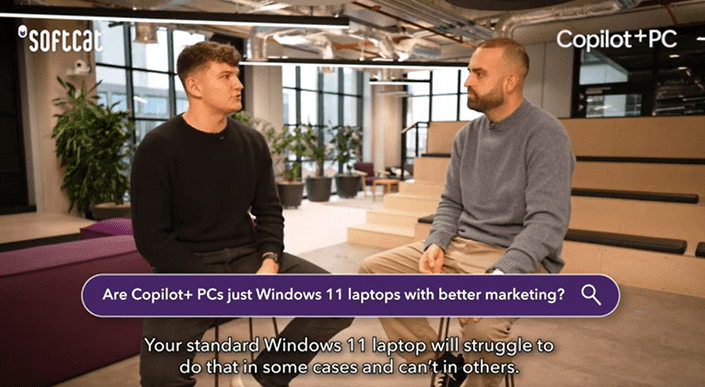
Nathan Adlard and Alfie Rouch address common misconceptions and explain why Copilot+ PCs are more than an upgrade. Discover how these devices can enhance efficiency and empower your organisation to work smarter.
Technology should adapt to the user, not the other way around.
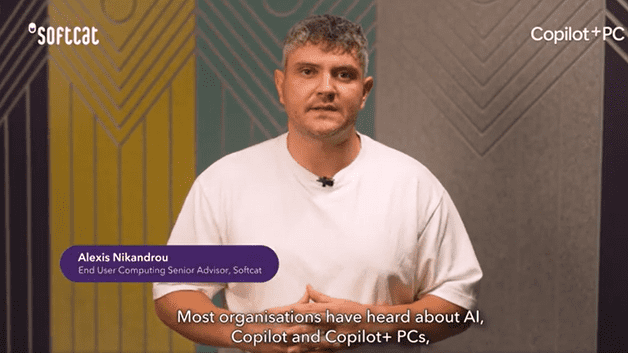
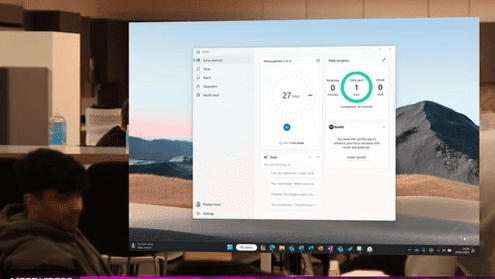

Windows 11 includes Narrator, live captions, voice access, and focus sessions as standard. Bradley Howe covers what is available and how to put these tools to work.
Windows 11 includes Microsoft Defender, SmartScreen, and Windows Hello, active by default from day one. Alan Curtis explains what this means for your organisation.